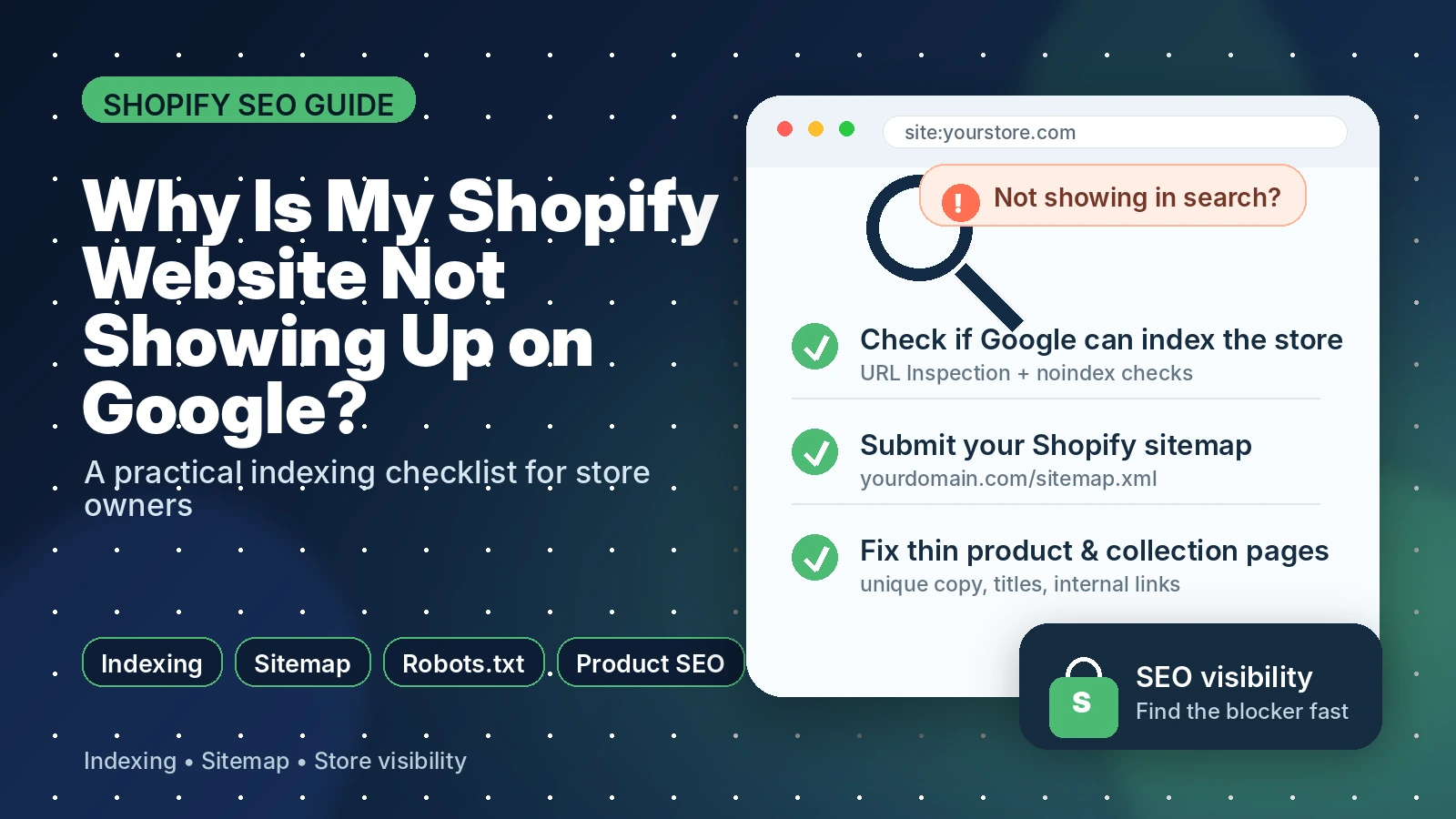
If your Shopify website is not showing up on Google, the problem is usually one of four things: Google cannot access your store, Google has not indexed your pages yet, your pages are indexed but not ranking, or your product and collection pages do not give Google enough useful content to rank.
The important thing is to diagnose the right issue first. Many store owners think they have a ranking problem when they actually have an indexing problem. Others think Google has not found their site, but the store is indexed and simply does not rank for competitive keywords yet.
Use the checklist below to find the cause and fix the highest-impact issue first.
Quick answer: why your Shopify store is not showing on Google
Your Shopify website might not be showing on Google because it is new, password-protected, still on trial, missing from Google Search Console, blocked by a noindex tag, blocked by an incorrect robots.txt change, or indexed but not strong enough to rank for the keywords you are searching.
The fastest way to check is to inspect your homepage and important product or collection URLs in Google Search Console. If Google says the page is not indexed, you have an indexing issue. If Google says the page is indexed but you still cannot find it for your target keywords, you have a ranking or content quality issue.
First, check whether your Shopify site is indexed or just not ranking
Before changing anything in Shopify, check whether Google actually knows about your website. Open Google Search Console, use the URL Inspection tool, and inspect your homepage, a collection page and one important product page.
If the page is not indexed, Google Search Console can help show whether it is blocked, discovered but not indexed, crawled but not indexed, or affected by another issue. If the page is indexed, the next step is to improve relevance, content quality, internal links and authority.
You can also search Google for site:yourdomain.com as a rough check, but treat Search Console as the more reliable diagnostic tool.
1. Your Shopify store is password-protected or still on trial
A very common reason a Shopify website does not show on Google is that the store is not publicly accessible. If password protection is active, search engines cannot properly access your store. Shopify also notes that search engines do not index trial stores.
How to check this in Shopify: go to Online Store > Preferences and review the Store access or password protection settings. If your store is ready to launch, remove password protection, make sure your plan is active, and then submit your sitemap in Google Search Console.
Fix:
- Remove storefront password protection once the store is ready to be public.
- Choose a Shopify plan if the store is still on trial.
- Verify the domain in Google Search Console.
- Submit your Shopify sitemap.
- Request indexing for the homepage and key collection pages.
2. Your Shopify sitemap has not been submitted or Google cannot access it
Shopify automatically creates a sitemap.xml file that includes products, collections, pages and blog posts. Submitting this sitemap to Google Search Console helps Google discover your important URLs. However, if your store is password-protected, Google cannot access the sitemap properly.
Your sitemap is usually available at:
Fix: open Google Search Console, go to Sitemaps, submit sitemap.xml, and check whether Google can fetch it successfully. Then inspect your most important URLs individually with the URL Inspection tool.
3. A noindex tag is blocking important pages
A noindex tag tells Google not to index a page. This can be useful for pages you intentionally want to hide from search, but it is a problem if it appears on your homepage, collections, products or blog posts.
This can happen after theme edits, SEO app settings, custom Liquid code, or migration changes. If Google Search Console says a page is excluded because of noindex, remove the noindex instruction from that page and request indexing again.
4. Your robots.txt file is blocking crawl access
Shopify stores have a default robots.txt file. In many cases, you do not need to edit it. Problems can happen when someone customizes robots.txt.liquid and accidentally blocks important pages, products, collections or assets.
Robots.txt controls what Googlebot can crawl. It is not the same as noindex. If you block a page from being crawled, Google may not be able to see important content or indexing instructions on that page.
Fix: check yourdomain.com/robots.txt and review any custom robots.txt.liquid changes in your Shopify theme. If you are unsure, remove unnecessary custom rules and test important URLs in Search Console.
5. Your store is indexed, but not ranking yet
Sometimes the website is showing on Google, just not for the keywords you care about. This is common for new Shopify stores. Your brand name might show, but product, collection and category keywords may not rank yet.
This means the problem is not indexing. It is relevance and competitiveness. You need better product titles, collection copy, internal links, unique descriptions, helpful buying guides and stronger topical coverage.
Check Google Search Console Performance. If pages have impressions but few clicks, improve titles and meta descriptions. If pages have no impressions, improve content and internal linking, then request indexing for important updated URLs.
6. Product and collection pages have weak SEO titles and descriptions
Shopify lets you edit how products, pages and blogs may display in search results through the search engine listing fields. If these are missing or duplicated, Google may not understand the page clearly, and shoppers may be less likely to click.
For product pages, avoid titles like “Classic Tee” if the searcher is looking for something more specific. Use descriptive titles that include product type, important feature, material, use case or audience.
Example:
- Weak: Classic Tee
- Better: Organic Cotton Classic Tee for Men
- Weak: Summer Collection
- Better: Summer Linen Dresses for Women
7. Product descriptions are thin, duplicated or copied from suppliers
If your product descriptions are copied from suppliers, very short, or almost identical across many products, your store gives Google little reason to rank your page above competitors. This is especially common on Shopify stores with many imported products.
Improve important products first. Add original details such as sizing guidance, materials, use cases, care instructions, comparisons, delivery notes, FAQs, customer objections and product benefits.
8. Internal links are not helping Google find important products and collections
Google uses links to discover pages and understand relevance. If your key products are buried, not linked from collections, not linked from blog posts, or only reachable through filters, they may struggle to get crawled and ranked.
Fix this by linking from your homepage to your main collections, from collections to best-selling products, and from blog posts to relevant products or categories. Use descriptive anchor text such as “linen dresses” or “Shopify SEO checklist” instead of generic anchors like “click here.”
9. You recently migrated, changed domains or changed URLs
If your store recently moved to Shopify, changed domains or changed product URLs, Google may need time to process the new structure. During this period, pages can drop, duplicate URLs can appear, or old URLs can remain indexed.
Fix: make sure old URLs redirect to the correct Shopify URLs, submit the new sitemap, inspect important pages and check whether Google has selected the correct canonical URLs.
Shopify SEO checklist: what to fix first
- Remove password protection if the store is ready to go live.
- Make sure the store is on an active Shopify plan, not only a trial store.
- Verify the domain in Google Search Console.
- Submit https://yourdomain.com/sitemap.xml in Google Search Console.
- Inspect your homepage, top collection pages and best-selling product pages.
- Check for accidental noindex tags on important pages.
- Review robots.txt for accidental blocks.
- Rewrite weak product and collection SEO titles.
- Add unique product and collection descriptions.
- Add internal links from navigation, collections and blog posts.
- Check redirects if you migrated or changed URLs.
- Track impressions, clicks and indexed pages in Search Console.
When to get help with Shopify SEO
If your Shopify website is not indexed at all, start with the technical checks above. If your store is indexed but still not getting impressions, clicks or sales, you likely need a deeper Shopify SEO audit.
A good audit should check crawlability, sitemap access, noindex tags, robots.txt, redirects, canonical URLs, product SEO, collection structure, internal links, page speed and content quality.
Need help finding what is blocking your store from Google? Book a Shopify SEO audit and we will identify the highest-impact fixes first.
FAQs
Use Google Search Console’s URL Inspection tool to inspect your homepage and important product or collection URLs. If Google says the URL is indexed, the page can appear in search. If it is not indexed, review the reason shown in Search Console and fix that issue first.
Your products may not be indexed, may be hard for Google to discover, may have thin or duplicated descriptions, or may be indexed but not ranking yet. Check product URLs in Search Console, improve product content and link to important products from relevant collections and blog posts.
Yes. Shopify automatically creates a sitemap.xml file for your store. You can submit it in Google Search Console to help Google discover your products, collections, pages and posts.
Yes. If password protection is active, search engines cannot access your online store properly. Remove password protection when the store is ready to launch.
It can vary. Submitting a sitemap and requesting indexing can help discovery, but Google still decides when and whether to index and rank each page. New stores often need technical cleanup, better content and stronger internal links before they gain visibility.
No. Indexed means Google knows about the page and can show it. Ranking means the page appears for a specific search query. A Shopify store can be indexed but still not rank for competitive product or category keywords.